Back up once, restore anywhere
Three steps on the phone you have, three on the new one. Every screen below is the real app.
-
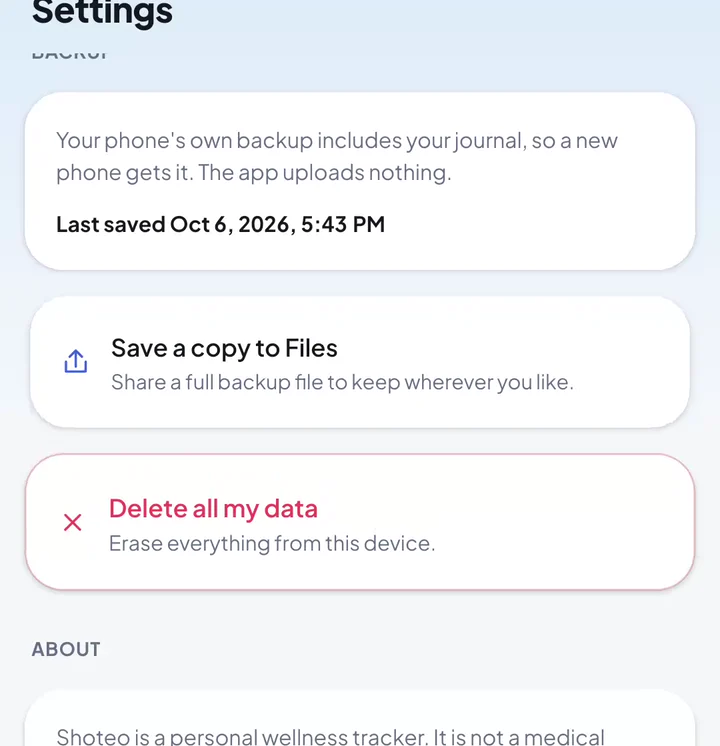 Back up
It is already backing up
Settings → Backup shows when Shoteo last saved its copy. Your phone's own backup — iCloud on iPhone, Google on Android — includes it.
-
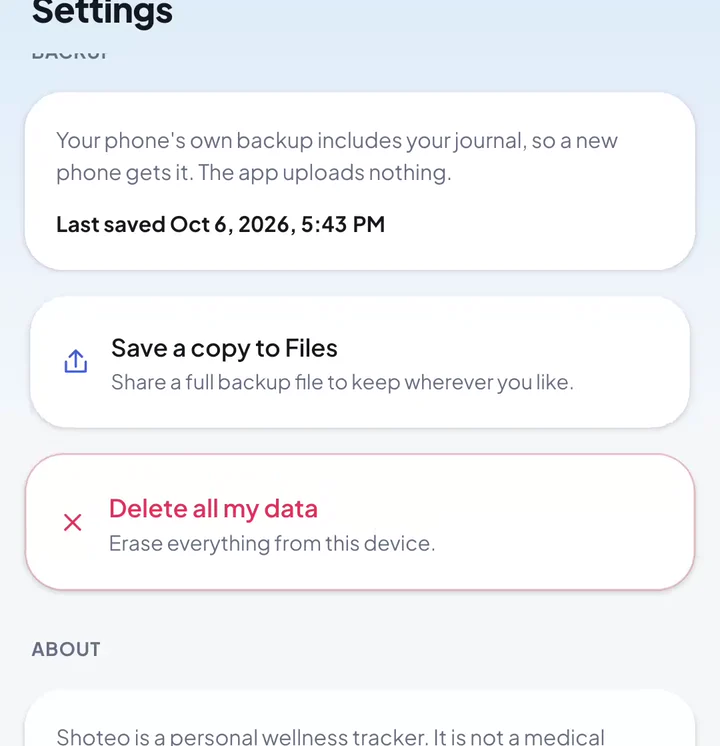 Back up
Save a copy to Files
For a copy you control, tap Save a copy to Files. It writes your whole journal to one file.
-
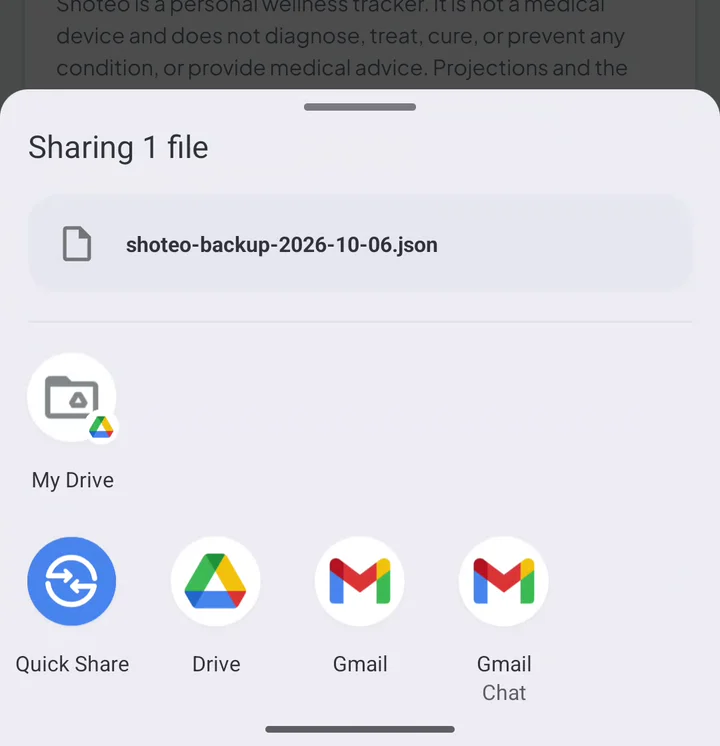 Back up
Keep it somewhere safe
Save shoteo-backup-….json to Files, Google Drive or iCloud Drive — anywhere you will find it on the next phone.
-
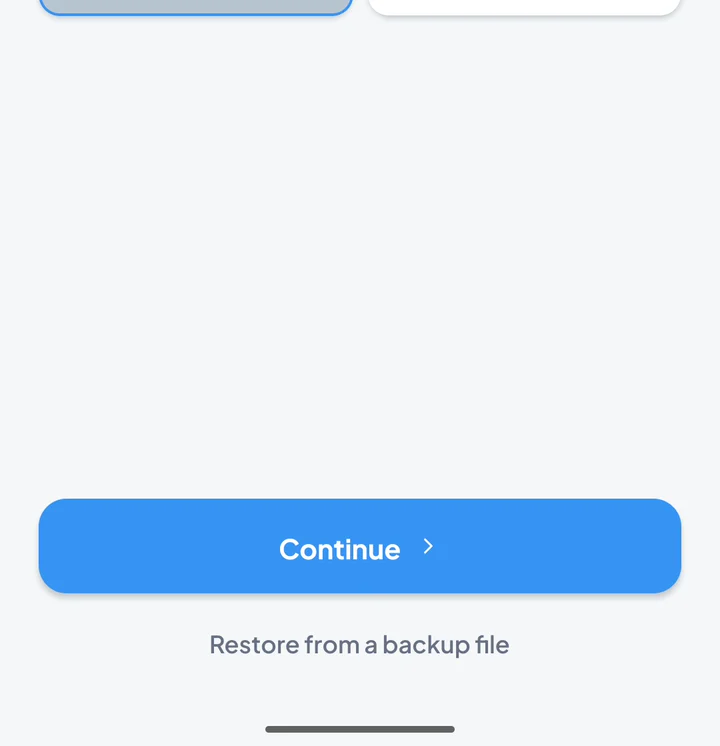 Restore
Install Shoteo on the new phone
On the first screens, tap Restore from a backup file. Already set up? Use Settings → Import data.
-
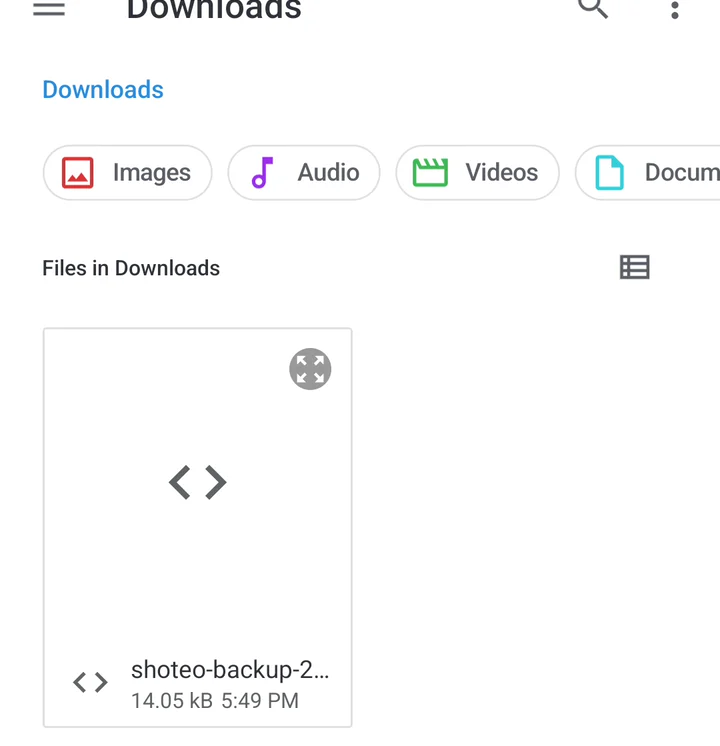 Restore
Pick your backup
Choose the shoteo-backup-….json you saved. iPhone and Android read the same file.
-
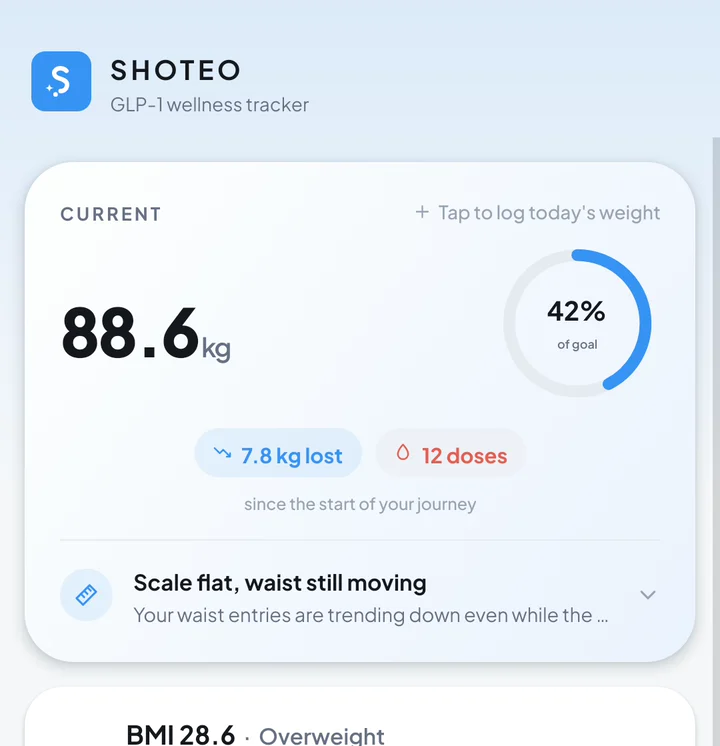 Restore
Your journal is back
Weigh-ins, doses, medications, measurements and notes — everything, as you left it.
Everything, in one file
A backup file is your whole journal — restore it and nothing is missing.
Weigh-ins and measurements
Every weight, waist and body measurement, with the units you chose.
Medications and doses
Your medications, schedules and every dose with its time, site, pain and notes.
Nutrition, symptoms, wellness
Calories, protein and water; symptoms with severity; mood, energy and sleep; lab values.
Your profile and goal
Height, start weight, goal and start date, so charts and projections pick up where they were.
iPhone ↔ Android
The same file restores on either. Moving from one to the other loses nothing.
Yours to keep
It is a plain file with your health journal in it. Keep it as privately as you keep the phone.
Backed up, still not on our servers
There is no Shoteo cloud to back up to. The copies that exist are the ones you and your phone make.
- The automatic copy sits inside the app on your phone
- Your phone's iCloud or Google backup carries it — you control that in system settings
- A file you save goes only where you send it
- Delete all my data erases the app's copy; files you saved stay yours to delete
About backups
Does Shoteo back up automatically?
Yes. Shoteo keeps an up-to-date copy of your journal inside the app, and your phone's own backup — iCloud Backup on iPhone, Google backup on Android — includes it when that is switched on. Settings → Backup shows when it was last saved.
Is my journal stored on Shoteo's servers?
No. There are none. The copies are on your phone, in your own iCloud or Google backup if you use it, and wherever you save a backup file.
Can I move from iPhone to Android, or back?
Yes. Save a copy to Files on one phone, then pick that file with Restore from a backup file on the other. The format is the same on both.
What does restoring do to what is already on the phone?
It replaces the journal on that phone with the one in the file. Shoteo asks before it does — and on a brand-new install there is nothing to replace.
Is the backup file encrypted?
No. It is a plain file containing your journal, so treat it like any private document — keep it in your own Files, Drive or iCloud, and do not share it.
What if I delete the app?
Deleting the app removes its copy. Backup files you saved, and backups your phone already made, are not touched.
Ready when you are.
Shoteo is free on the App Store and Google Play. No account to create — your journal stays on your phone, and the backup stays yours.